Proposals
Sent and forgotten. The deal goes to whoever follows up first.
Perfect for freelancers & consultants who send proposals and invoices.
Mail2Follow tracks the emails you care about, nudges you only when nobody replies, and writes the follow-up in your tone. You decide what gets sent.
Free plan • 15 tracks per month • No card needed
Also works in Firefox and Edge Also works in Chrome and Edge Also works in Chrome and Firefox
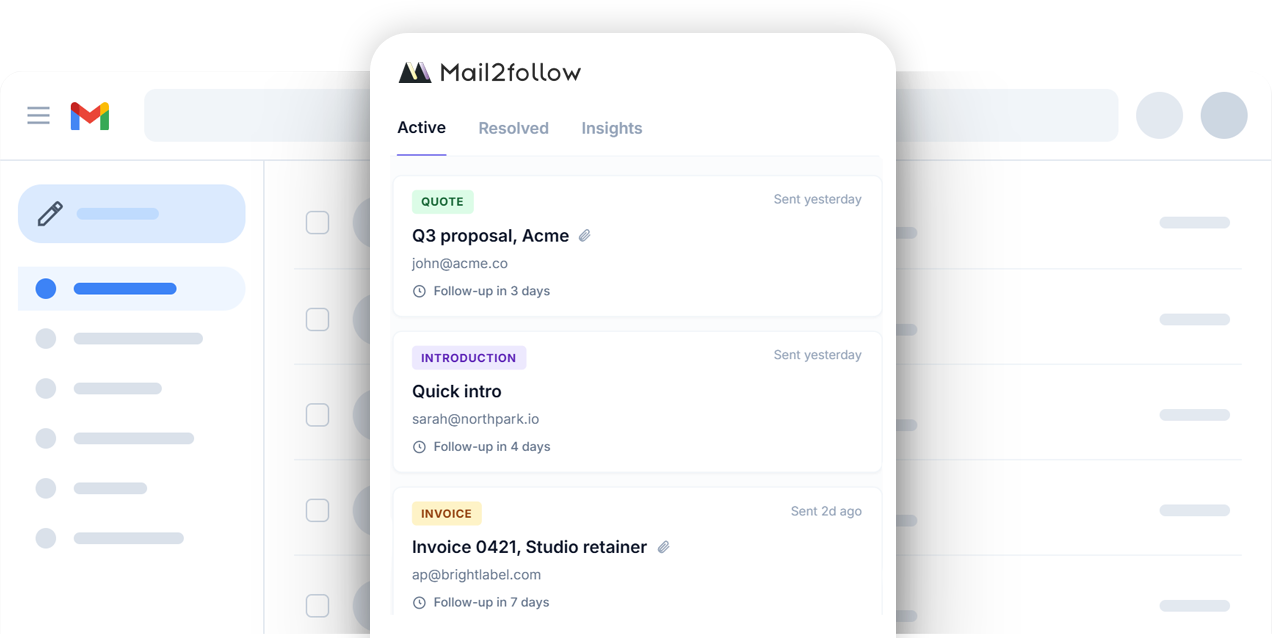
Track any important email. When no reply comes, Mail2Follow drafts the follow-up in your tone, ready for you to send.
You send them once… and then they’re gone from your attention.
Sent and forgotten. The deal goes to whoever follows up first.
Sent but never chased. Payments stay unpaid for months.
Sent with high hopes. No reply. The opportunity dies in the scroll.
It remembers the emails you send, tells you when a reply is overdue, and writes the follow-up for you. You never leave Gmail.
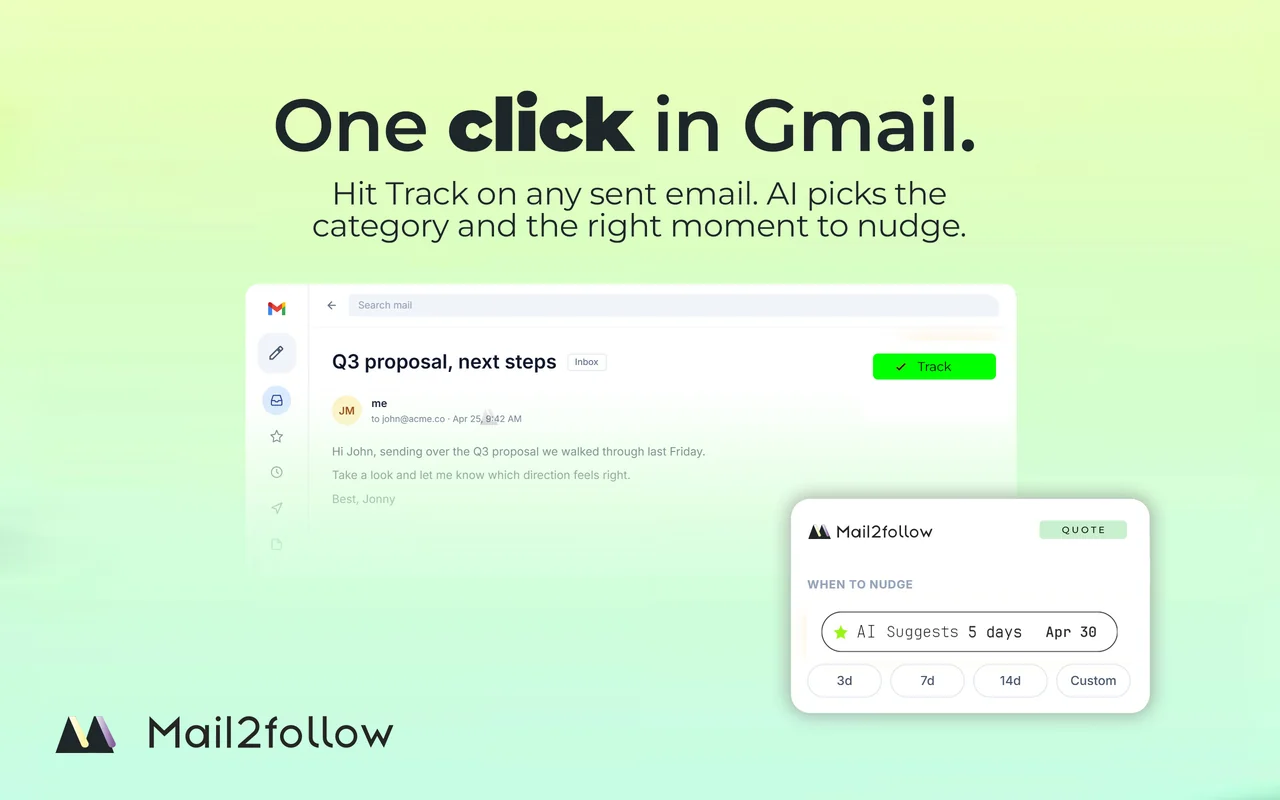
ONE CLICK IN GMAIL
Click Track on any Gmail thread. Mail2Follow watches for a reply and reminds you only if none comes. When it's time, it drafts the follow-up in your tone for you to send.
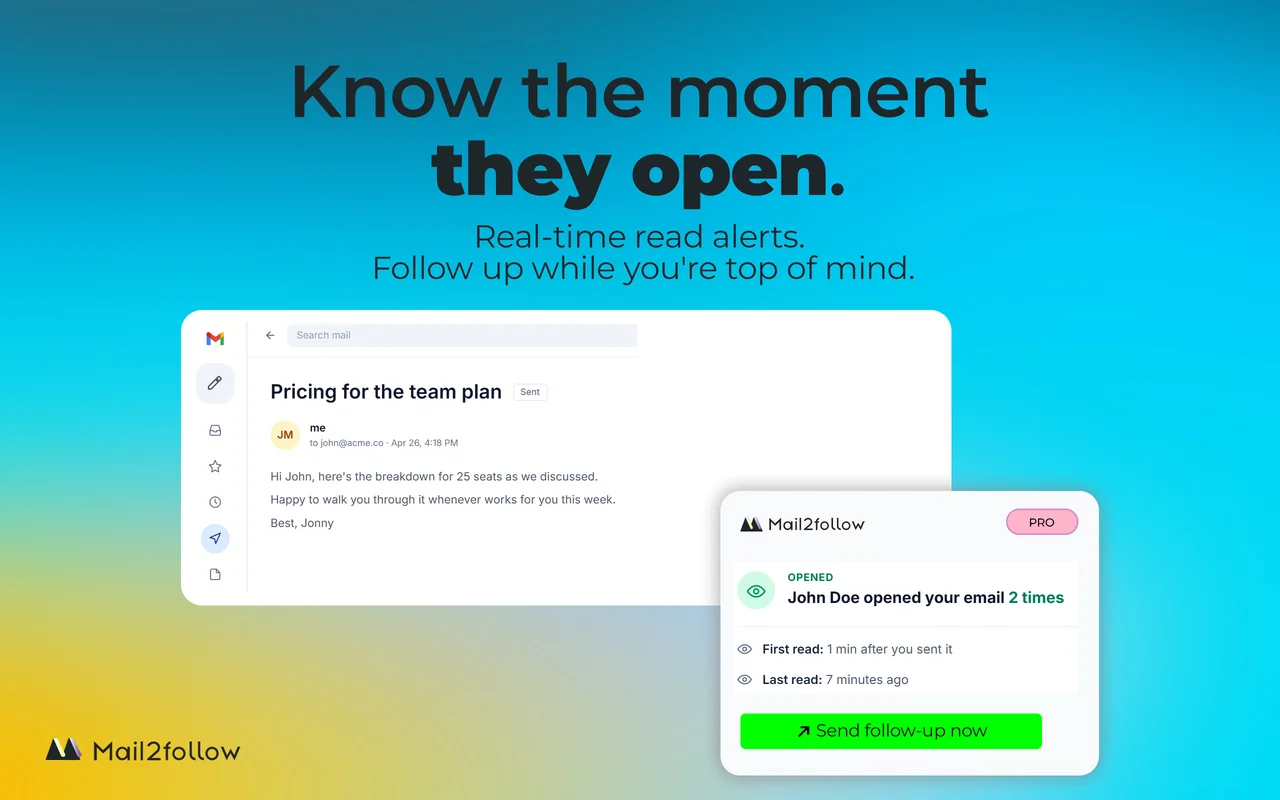
Pro · real-time alerts
Mail2Follow tells you the moment your email is opened, how often, and when. Follow up while you are still fresh in their mind, not three days later.
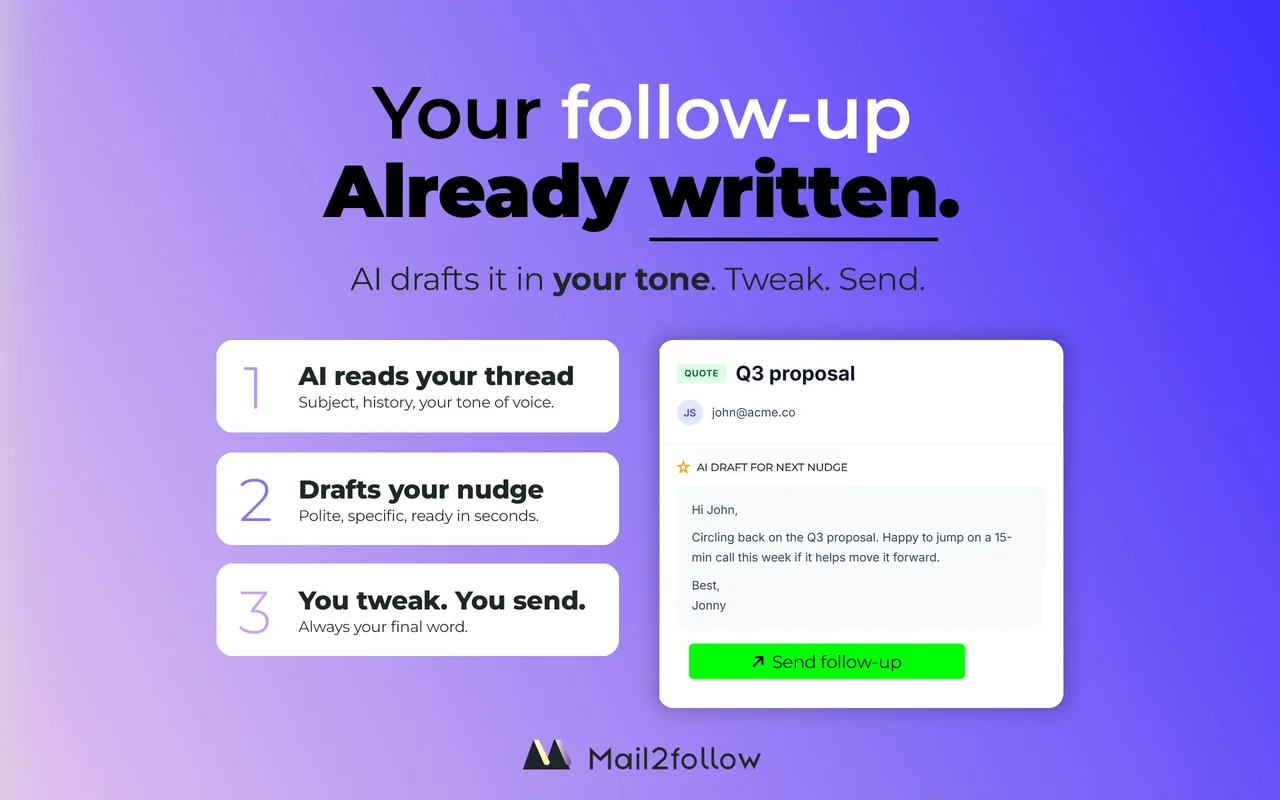
AI-drafted reply
When nobody replies, Mail2Follow opens the thread with a follow-up already written. In your tone, in the language of the original email. Edit what you want, send, done.
Trackers only show opens. CRMs make you log everything yourself. Mail2Follow tracks the emails that matter and writes the follow-up for you to send.
Tracks the state of your key email threads
Tracks when email is opened
Reminds you if nobody replies
AI classifies email type and timing
Drafts the follow-up for you
Works inside Gmail
Auto-resolves when they reply
| Feature | Mailtrack | Boomerang | Mail2Follow |
|---|---|---|---|
| Tracks the state of your key email threads | – | – | ✓ |
| Tracks when email is opened | ✓ | – | ✓ |
| Reminds you if nobody replies | – | Timer-based | ✓ |
| AI classifies email type and timing | – | – | ✓ |
| Drafts the follow-up for you | – | – | ✓ |
| Works inside Gmail | ✓ | ✓ | ✓ |
| Auto-resolves when they reply | – | – | ✓ |
Privacy and security by design
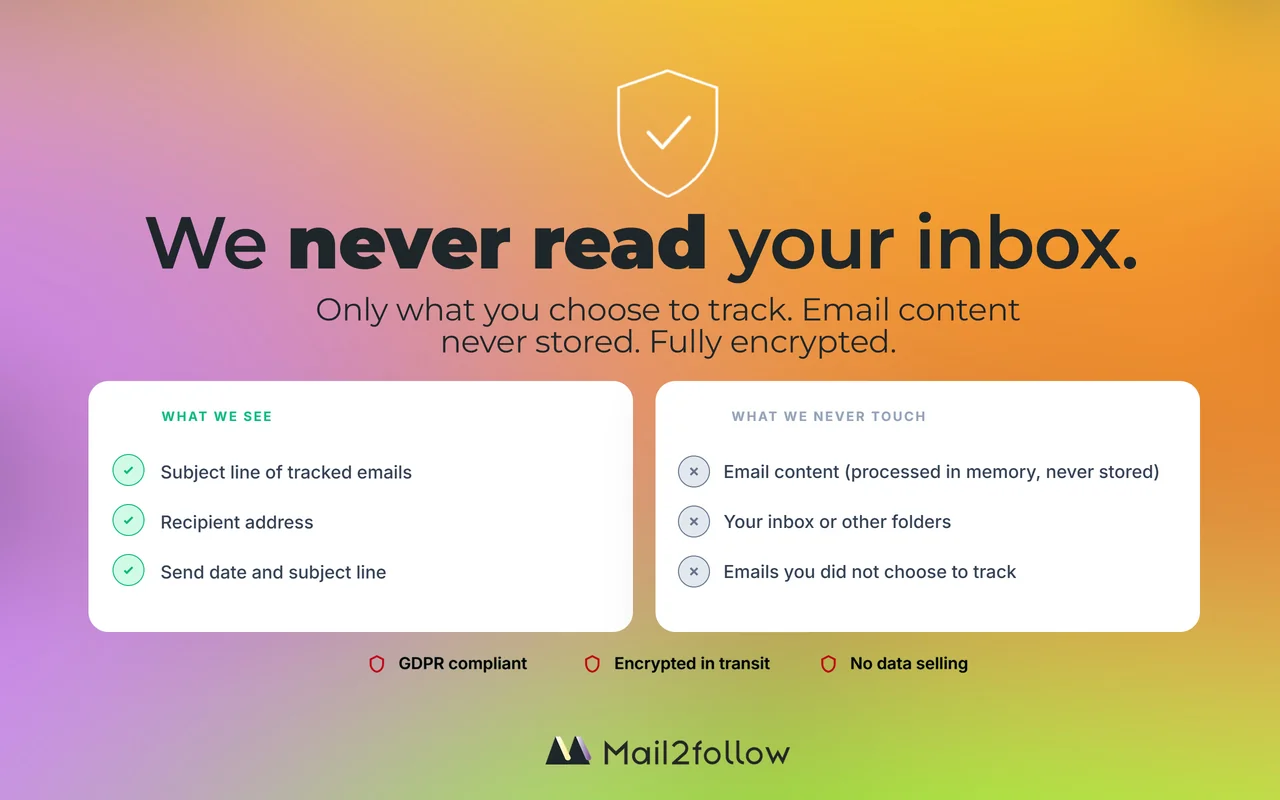
Other CRMs need a copy of your whole inbox to work. Mail2Follow needs almost nothing. It looks only at the threads you track, keeps the subject line, recipient, and date.
No global access to your inbox. The extension only has permission to read the specific threads where you enable tracking.
Mail2Follow reads the message body of tracked emails once to classify the email and draft your follow-up, then discards it.
Your stored history is encrypted. Nothing is sold to third parties, and none of your emails are used to train AI models.
The CRM you don't have to commit to. Start free, upgrade only if you outgrow the cap, cancel anytime.
Start tracking today
For people who follow up for a living
Try Pro free for 14 days. Cancel anytime, no questions asked.
Integrations & recognition

Get started
Mail2Follow installs in 60 seconds and works inside Gmail.
Add to Chrome. It's free Add to Firefox. It's free Add to Edge. It's freeFree plan · 15 tracked emails / month · No credit card
Also available for Firefox and Edge Also available for Chrome and Edge Also available for Chrome and Firefox